01
Publish the page
Photo, time, venue, and how guests get in. Share one public link.
Publish one public page. Guests buy a tier, claim a free ticket, or RSVP. Staff check them in from the admin app.
How it works
01
Photo, time, venue, and how guests get in. Share one public link.
02
They buy a tier, claim a free ticket, or join the RSVP list.
03
Staff scan the QR in the admin app, or find the guest by name.
Public page
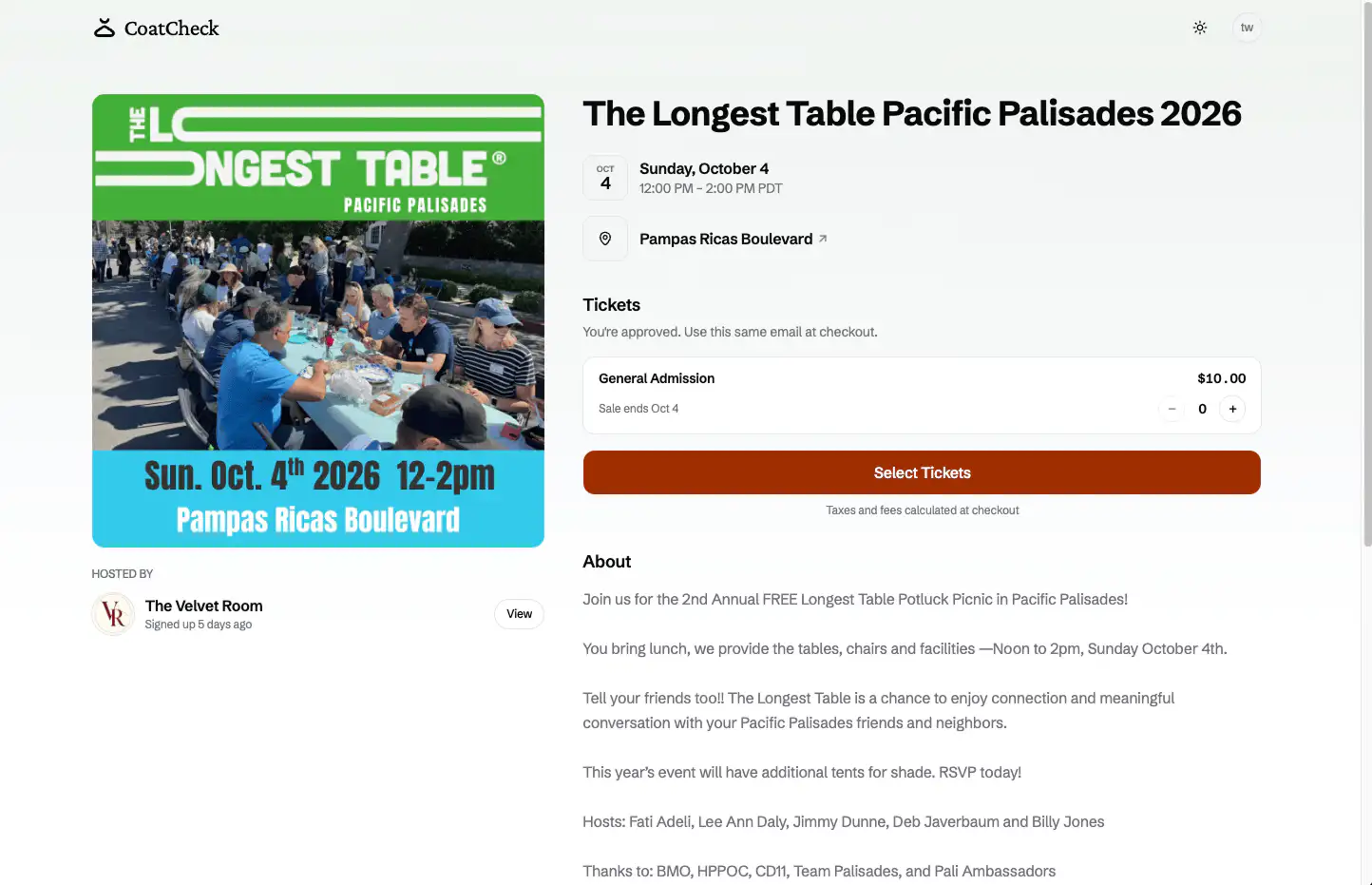
Publish once. Share the link. Guests land on a page with the photo, the room, the time, and the way in.
A URL guests can share
Every published event gets a public page — photo, venue, and times in the event timezone.
The way in is on the page
Guests see paid tiers, a free ticket, or the RSVP. Sold-out tiers stay on the page as sold out.
The same CoatCheck
The page is the storefront. Checkout and the door live in the product you already run.
Get in
Paid and free tickets can share the page. A free tier is claimed on its own, not added to a paid cart. RSVP replaces ticket sales for that event.
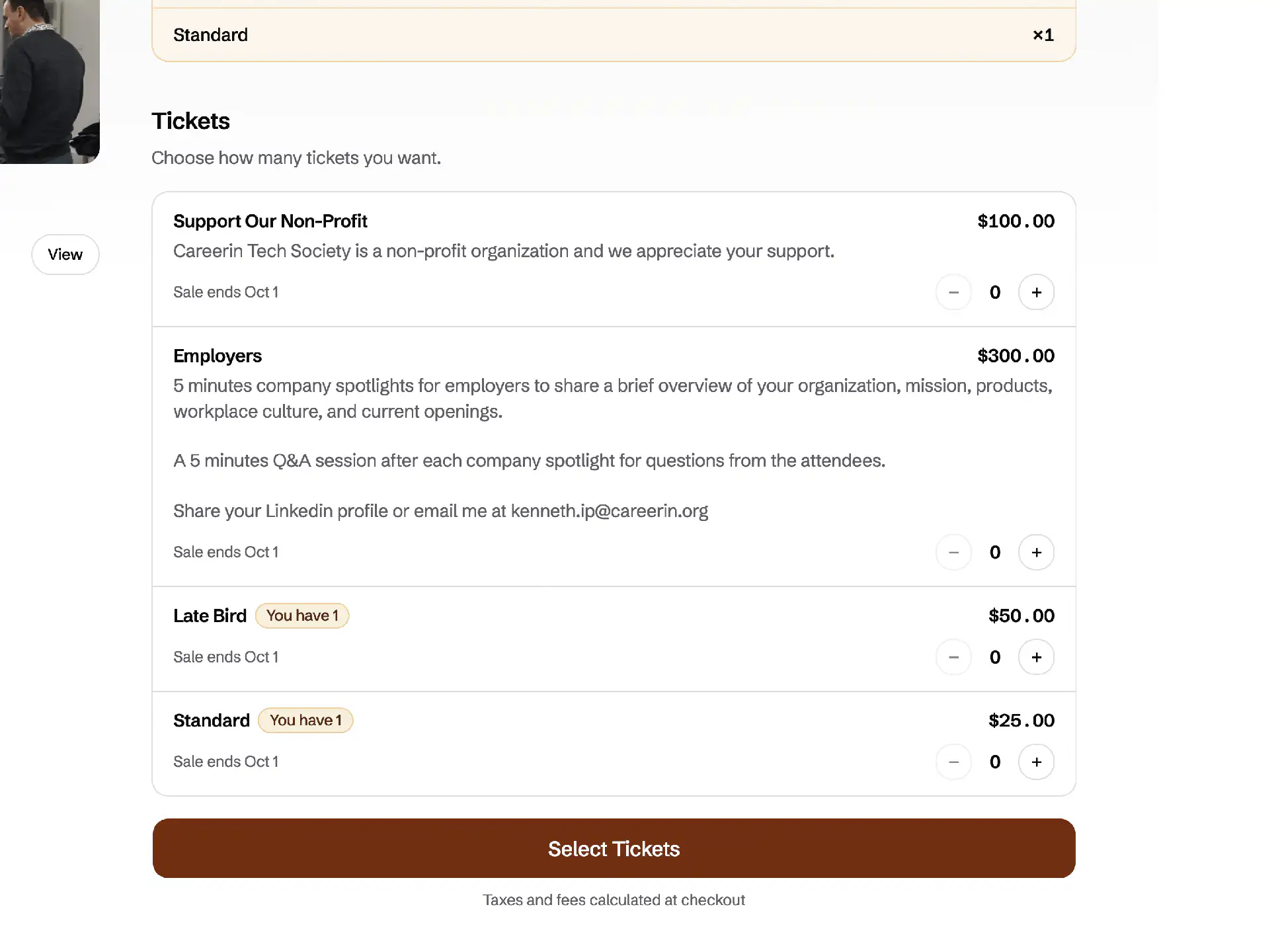
Tiers with a price, a sale window, and slots. Guests can mix paid tiers in one cart.
See tiers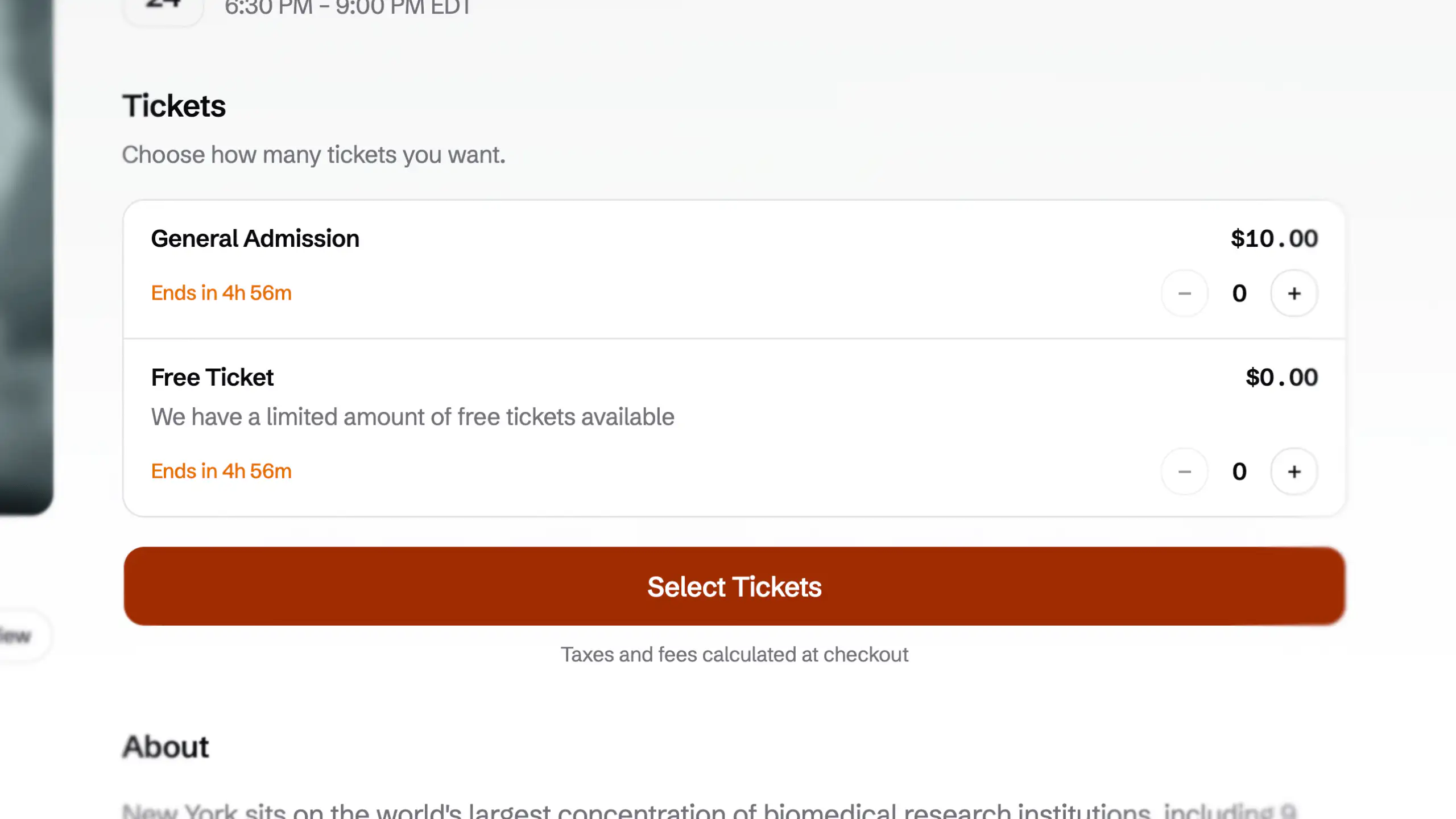
A $0 tier claimed without a card. It stays off a paid cart, and it is still a real ticket.
See free tickets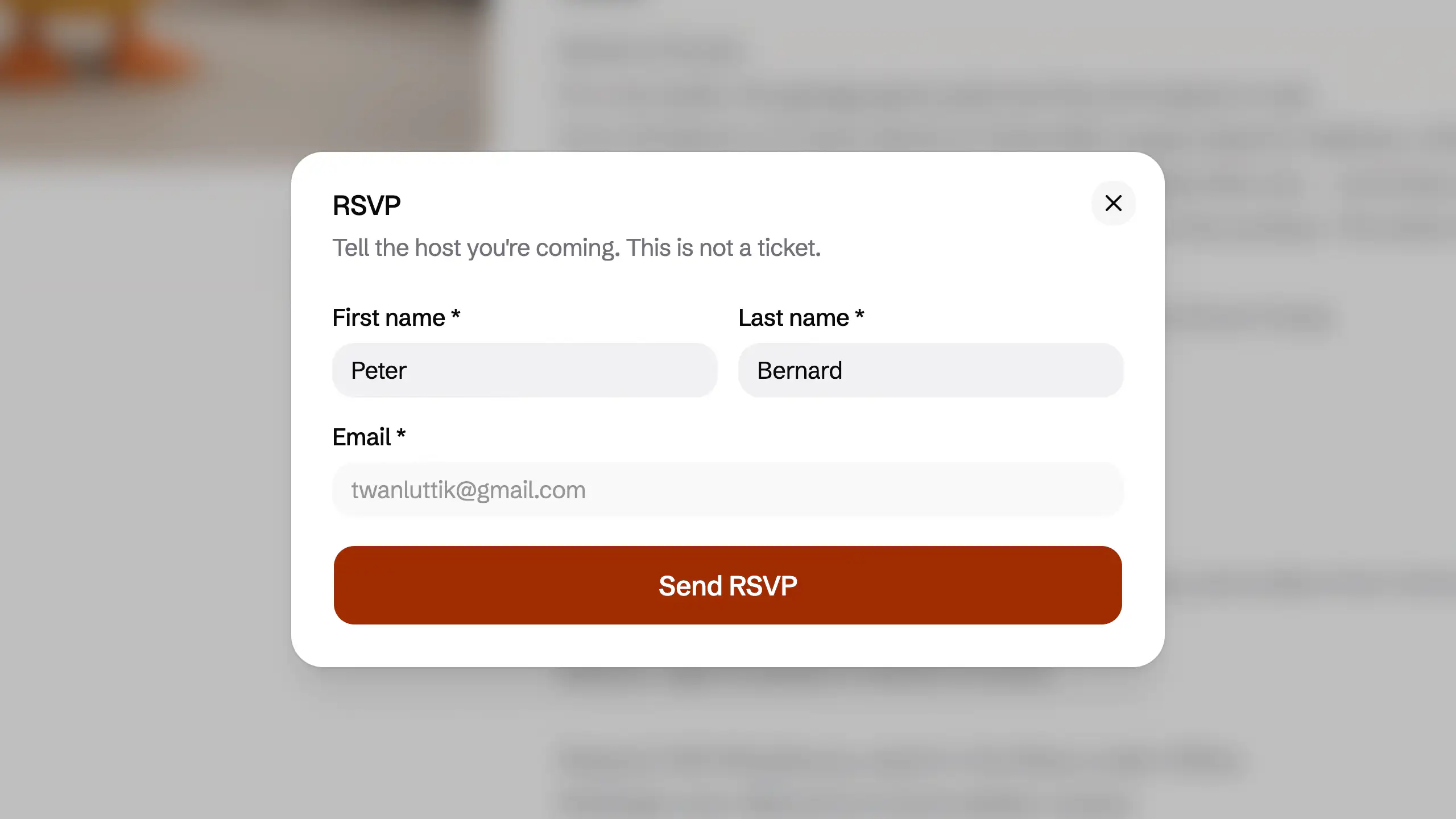
A guest list when you are not selling tickets. RSVP and ticket sales do not run on the same event.
See RSVPBefore checkout
Both are optional. Both are for an event that sells or gives tickets, not for an RSVP.
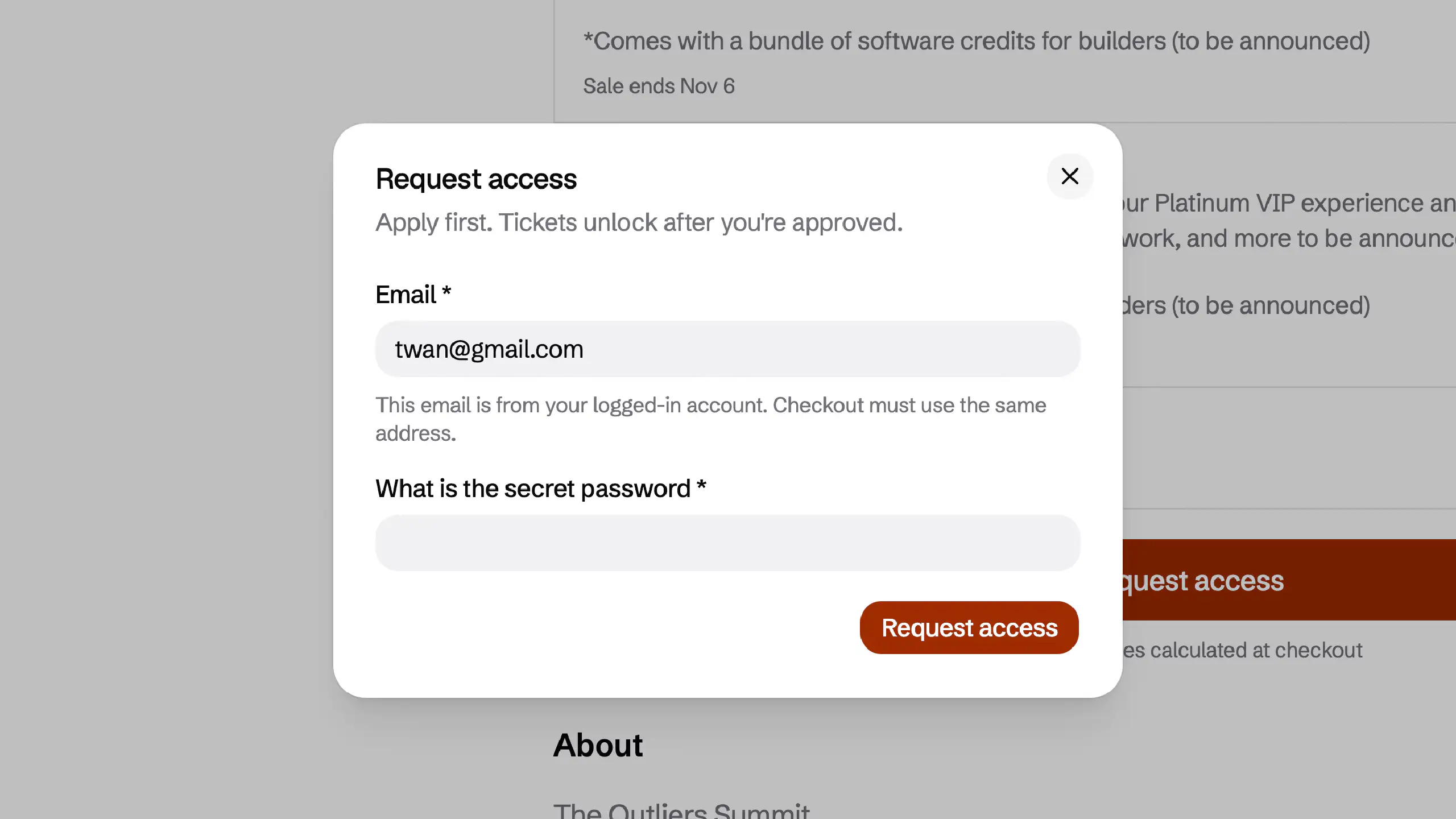
Guests apply on the public page. Checkout opens after you approve that email.
See registrationGuests pick a seat on the chart. That seat number stays on the ticket.
See seatingStripe Connect
Events use Stripe Connect. Guests check out on Stripe. Payouts go to the organizer's connected account — not a spreadsheet after the night.
Stripe Connect
Connect your Stripe account once. Card sales need charges enabled on that account.
Guests pay on Stripe
Checkout is Stripe Checkout. Seats are held for 15 minutes so two people cannot buy the last ticket.
Payouts to you
Ticket money lands on your connected Stripe account. CoatCheck does not hold the payout.
Payouts
Sky Lounge
This event
$4,280
118 tickets · Stripe Checkout
To your Stripe
List price
Guest pays
Ticket + service fee
Hold
15 minutes
Dashboard · Stats
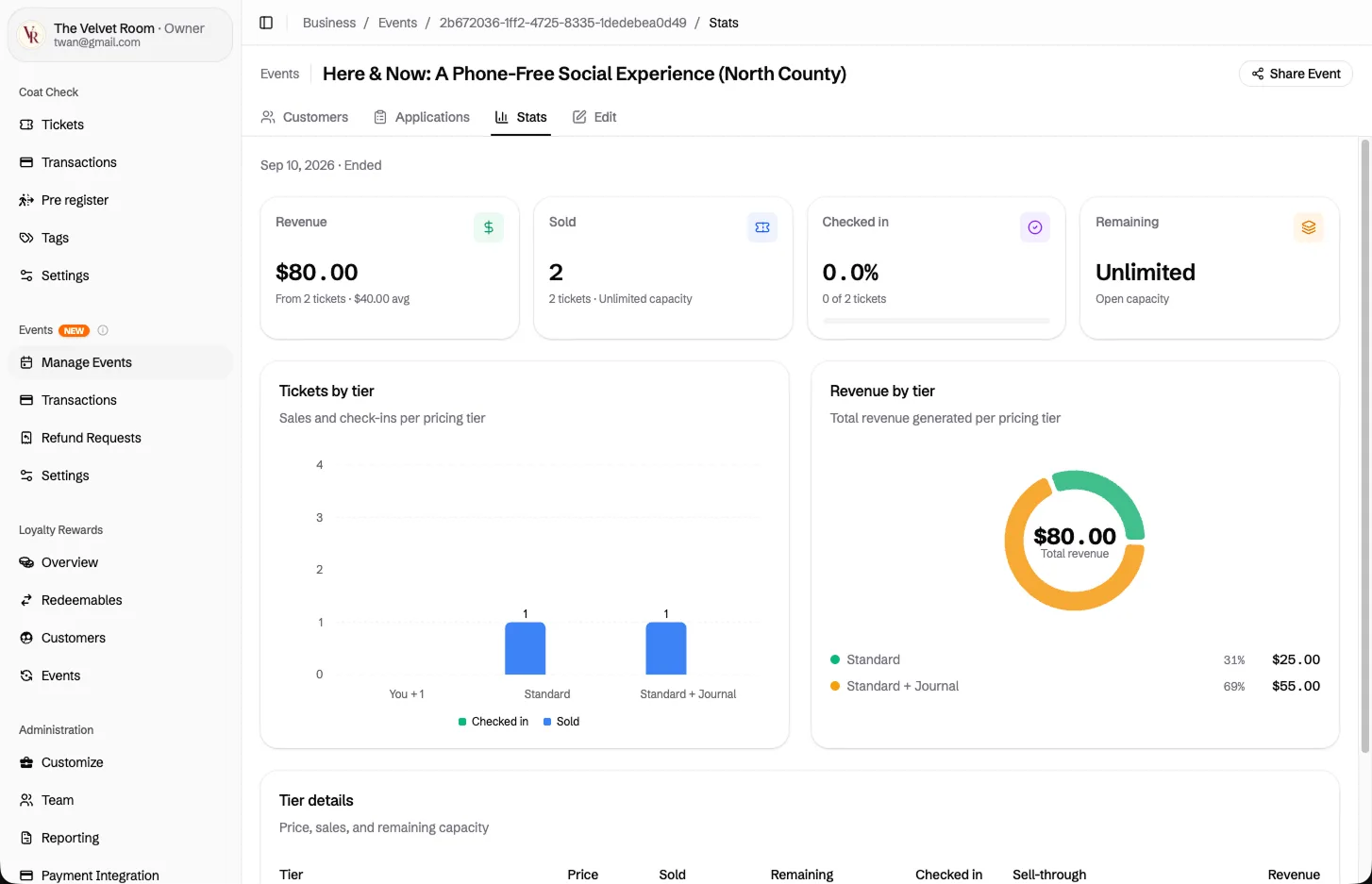
Revenue, tickets sold, check-in rate, what's left. Organizers watch the event from the same CoatCheck they already run.
Revenue and tickets by tier
See what sold, what it made, and how each tier is doing — not a spreadsheet after the night.
Check-in as it happens
Sold, through the door, still remaining. The same numbers staff see at the door.
Share from here
The public page lives one click away. Copy the link without leaving the event.
Admin app
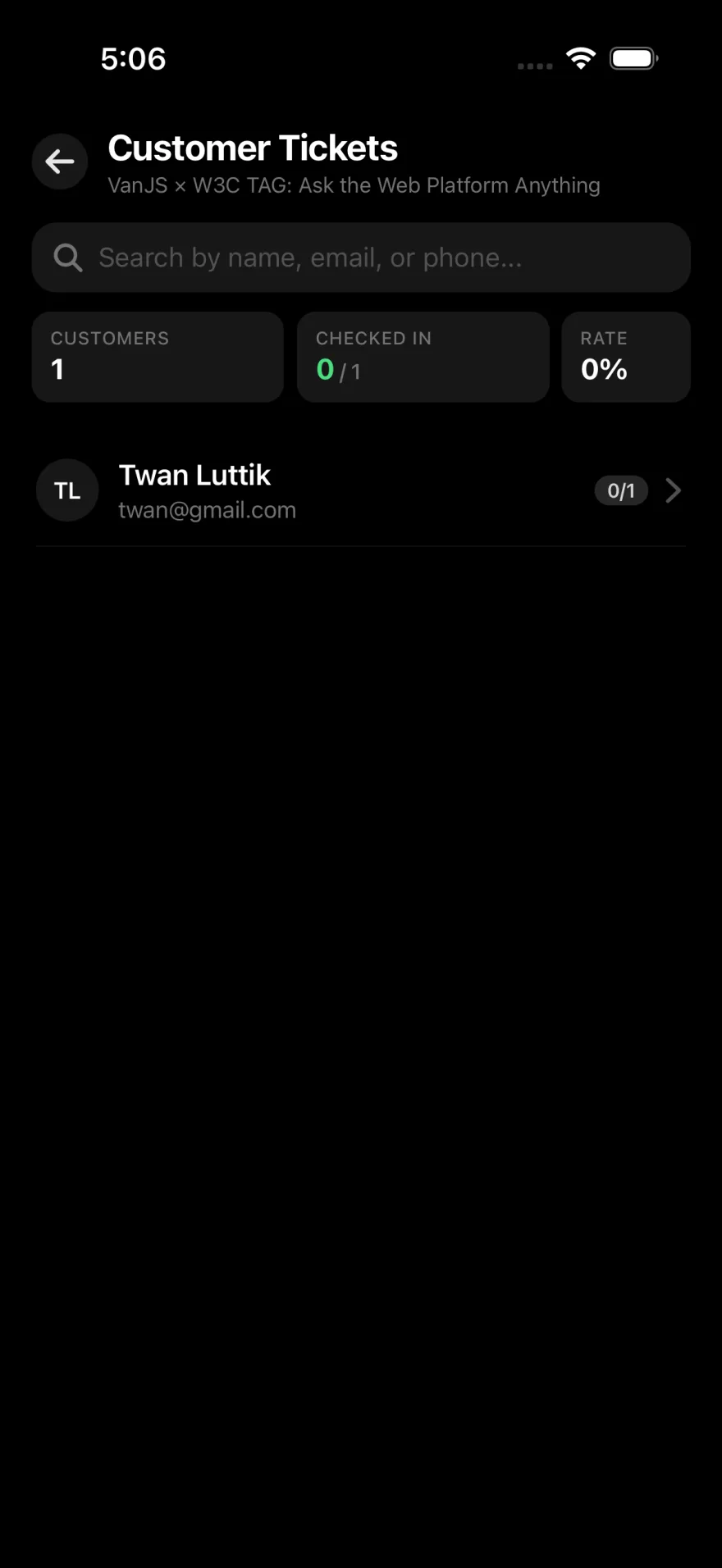
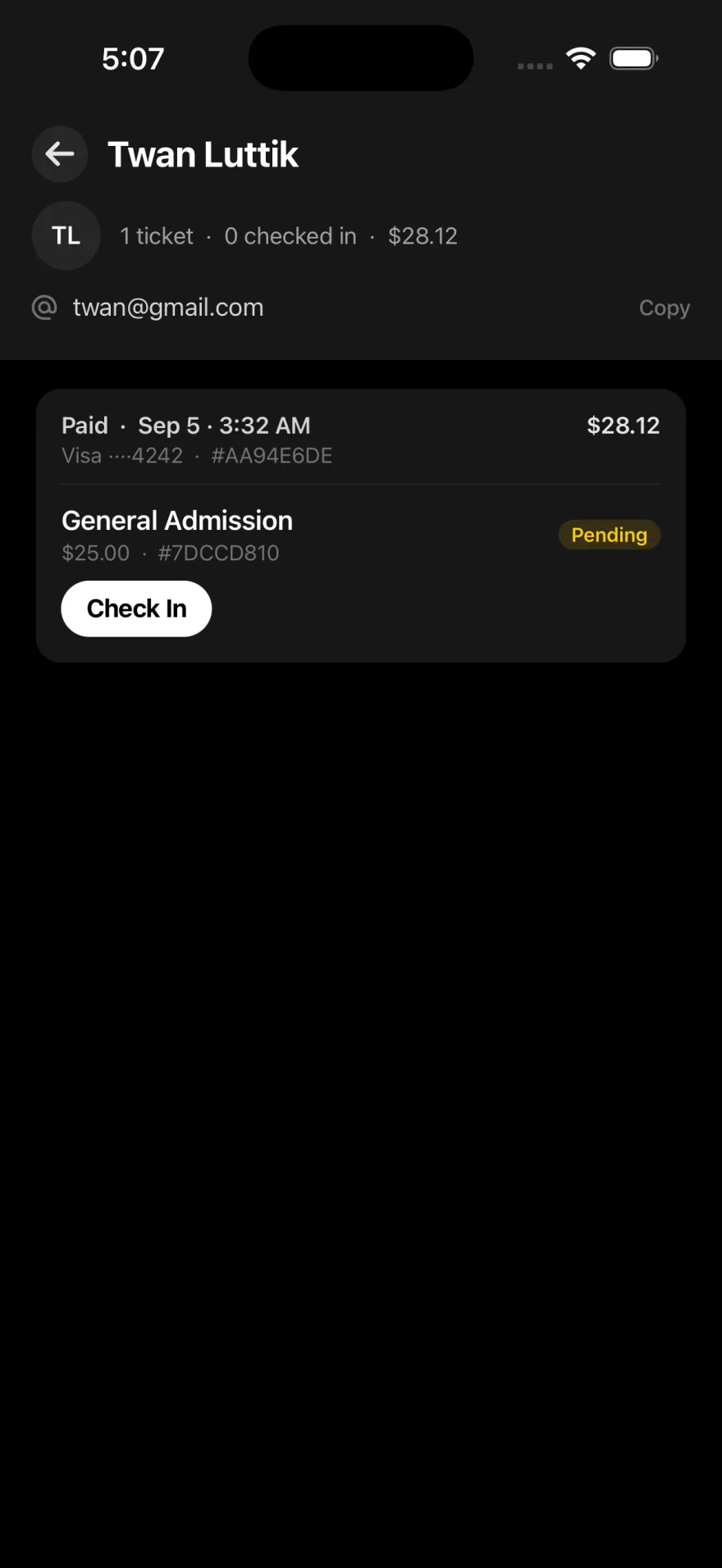
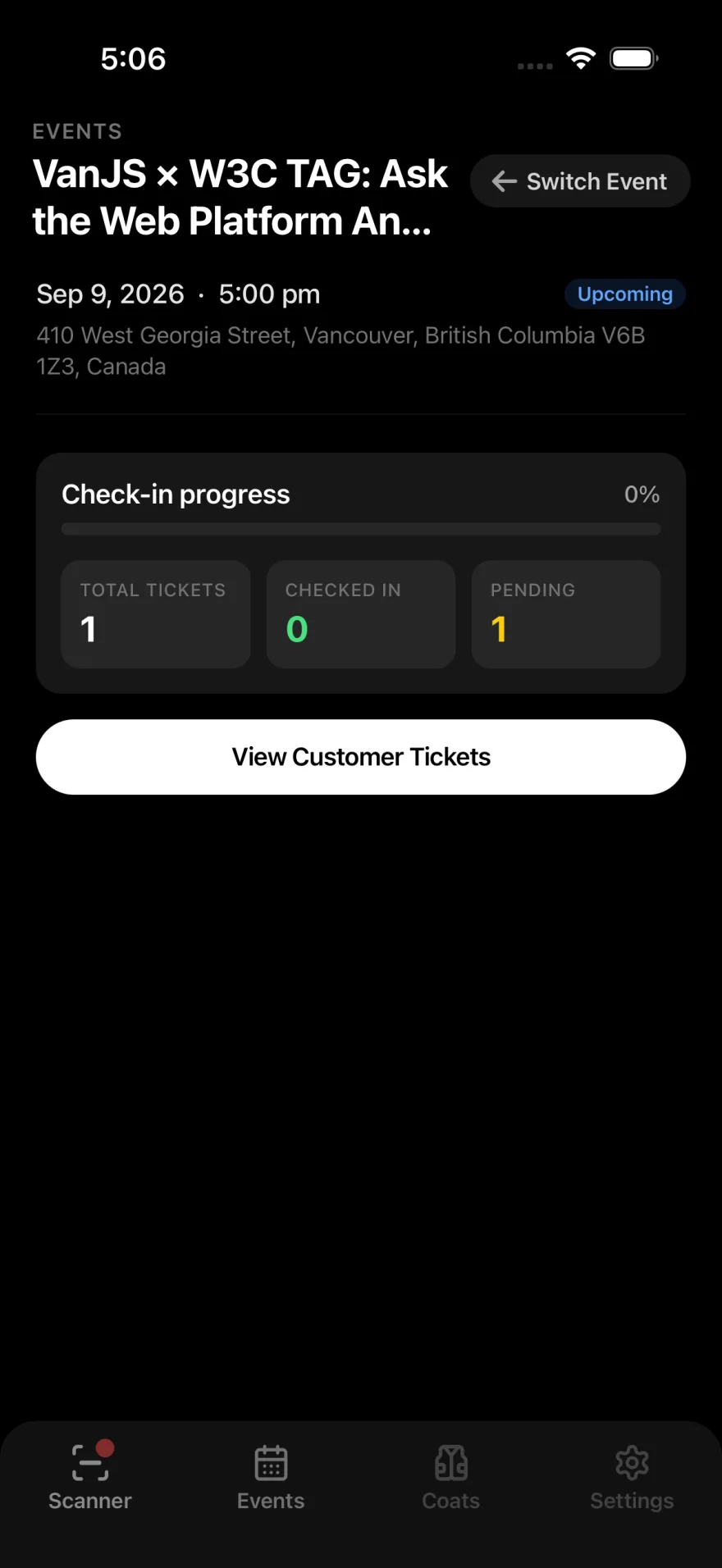
The admin app verifies the ticket and checks the guest in. QR at the door, a customer list when you need it, live counts while the line moves.
Scan the QR
Staff open the admin app and scan the guest ticket. Voided tickets stay out.
Find a buyer
Search by name, email, or phone when the code is not in their hand.
Check them in
One tap on the ticket. Live counts show who is already through the door.
Apple Wallet and Google Wallet
From the ticket page. Staff scan the same QR from the wallet or the PDF.
Apple Wallet
Save the event ticket on iPhone and show it from Apple Wallet at the door.
Google Wallet
Save the event ticket on Android and show it from Google Wallet at the door.
Coming later
Private events
A page that is not public — invite-only, not a link anyone can open.
Create the event, share the link, sell tickets.